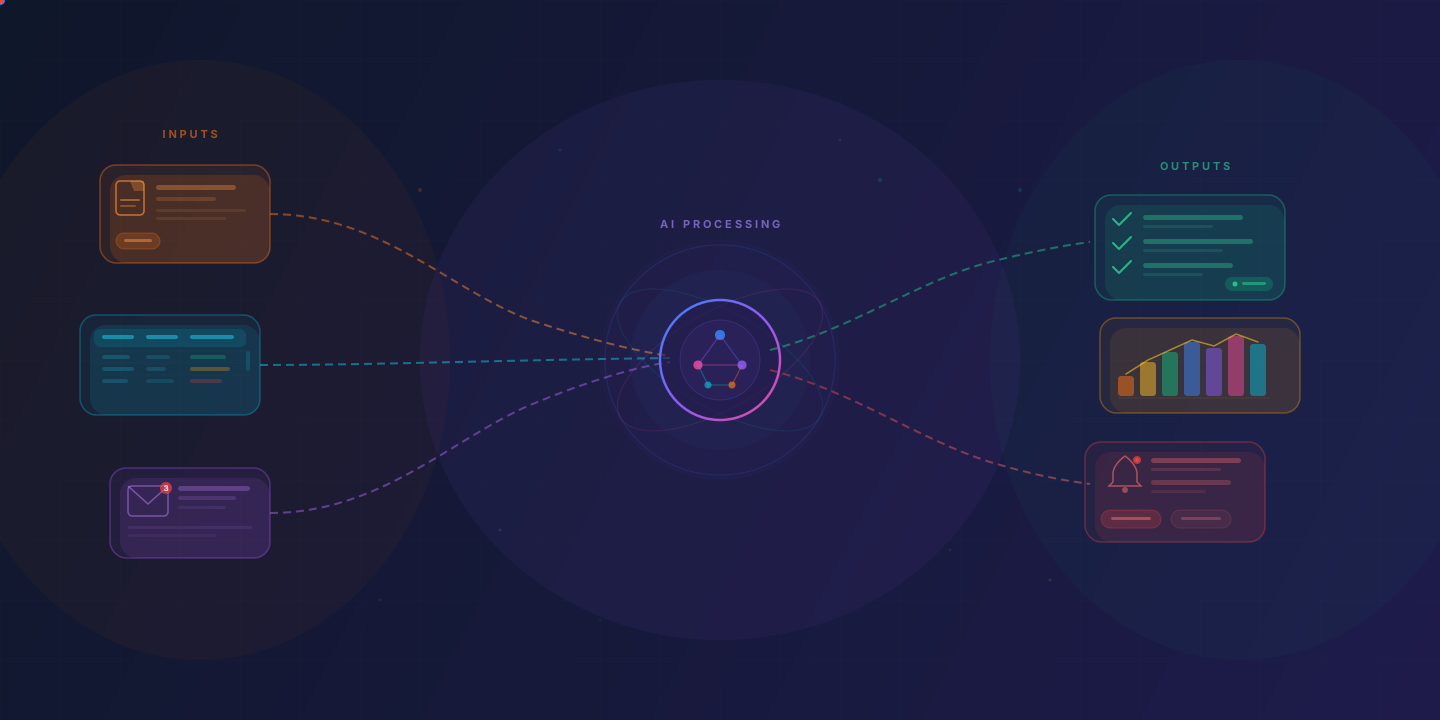
How AI workflow automation differs from rule-based automation, which workflows it suits, what drives the cost, and how to start with a single process.
Workflow automation has been around for decades. Adding AI changes what it can do. Rule-based sequences break the moment something unexpected happens; AI workflow automation can interpret context, make judgment calls, and cope with inputs that vary. That makes it worth a second look for businesses that dismissed automation in the past.
What is workflow automation with AI?
Workflow automation with AI uses artificial intelligence to run multi-step business processes with minimal human intervention. It combines traditional automation (moving data, triggering actions, routing tasks) with AI capabilities like natural language understanding, pattern recognition, and decision-making.
In practice, this means a system that can:
Read and interpret unstructured data such as emails, invoices, contracts, and customer messagesMake decisions based on context rather than rigid if/then rulesLearn from outcomes and improve over timeHandle exceptions without requiring a human to intervene for every edge caseFor example, a traditional automated workflow might route all support tickets containing the word "refund" to the billing team. An AI workflow reads the full message, works out whether the customer wants a refund or is asking about the refund policy, checks the order history, and either processes the refund or drafts a response for review.
How is AI workflow automation different from traditional automation?
Traditional automation follows predefined rules and can only handle structured, predictable inputs. AI workflow automation can process unstructured data, tolerate ambiguity, and make contextual decisions.
How they compare:
Input handling: Traditional automation requires structured data in specific formats. AI automation can process emails, PDFs, images, voice, and free-form text.Decision-making: Traditional automation uses if/then logic defined in advance. AI automation weighs context and probabilities to choose an action.Exception handling: Traditional automation stops or escalates when it encounters something unexpected. AI automation can reason through many exceptions on its own and escalate the ones it can't resolve.Adaptability: Traditional automation does what it was programmed to do until someone changes it. AI automation can learn from feedback and improve its accuracy over time.Setup complexity: Traditional automation is often faster to set up for simple, predictable tasks. AI automation takes more setup but handles more complex workflows.Traditional automation is still the right choice for simple, high-volume tasks with no variability, like sending a confirmation email after a purchase. AI automation makes sense when the workflow involves judgment, interpretation, or variability.
What types of workflows can AI automate?
AI can automate workflows that involve unstructured data, contextual decision-making, or multi-system coordination. This includes processes that were previously considered "too complex" for automation because they required human judgment.
Common categories include:
Document processing and data extraction: Reading invoices, contracts, receipts, and forms to extract key information and populate business systems. AI handles variations in format, layout, and terminology that would break traditional OCR tools.Customer communication triage: Classifying incoming emails, chat messages, and support tickets by intent, urgency, and topic, then routing them to the right team or generating draft responses.Approval workflows with context: AI checks each expense report's amount, category, and policy compliance against historical patterns, auto-approves routine items, and escalates the exceptions to a manager.Sales and lead management: Scoring inbound leads based on behavior patterns, enriching contact records from multiple sources, and triggering personalized follow-up sequences.Financial reconciliation: Matching transactions across bank statements, invoices, and accounting systems, even when descriptions don't match exactly.HR and onboarding: Generating offer letters, provisioning accounts, scheduling orientation sessions, and tracking completion of onboarding tasks across multiple systems.Inventory and supply chain management: Predicting demand, generating purchase orders, and adjusting stock levels based on sales trends, seasonality, and supplier lead times.What these have in common is variability, interpretation, and coordination across systems, which is where rule-based automation falls short.
What are the components of an AI workflow?
An AI workflow typically has five layers: a trigger mechanism, an AI processing layer, integration connectors, a decision engine, and a monitoring and feedback system. Together they turn raw inputs into completed actions.
Trigger mechanism: The event that starts the workflow. This could be a new email arriving, a form submission, a scheduled time, a database change, or a webhook from another system.AI processing layer: The part that interprets the input. This might involve natural language processing to understand a customer message, computer vision to read a scanned document, or a large language model to classify and extract information.Integration connectors: These connect the workflow to your CRM, accounting software, project management tools, communication platforms, and databases. APIs, webhooks, and middleware platforms handle this layer.Decision engine: The logic that determines what action to take based on the AI's analysis. It combines the AI's output with business rules, thresholds, and policies. For example: "If the AI classifies this as a billing complaint with high urgency, create a priority ticket and notify the account manager."Monitoring and feedback system: The layer that tracks performance, catches errors, and lets the system improve. This includes dashboards, alerting, audit logs, and a way for people to correct the AI when it makes mistakes and feed that correction back into the system.A well-designed workflow also includes human-in-the-loop checkpoints for high-stakes decisions. The system handles the routine work and brings people in where their judgment matters.
What industries benefit most from AI workflow automation?
Industries with high volumes of document-heavy, multi-step processes benefit the most. This includes financial services, healthcare, logistics, professional services, and e-commerce. Any business with a lot of repetitive knowledge work stands to gain.
The impact tends to be greatest in these industries:
Financial services: Loan processing, KYC/AML compliance checks, claims processing, and transaction monitoring. These workflows involve large volumes of documents, strict regulatory requirements, and high costs for errors.Healthcare: Patient intake, insurance verification, prior authorization, medical records processing, and appointment scheduling. AI reduces administrative burden on clinical staff and speeds up patient access to care.Logistics and supply chain: Shipment tracking, customs documentation, carrier selection, invoice reconciliation, and demand forecasting. These workflows span multiple systems and partners, and coordinating them takes a lot of manual work.Professional services: Proposal generation, time tracking, client reporting, contract review, and project coordination. A 2026 Pierre Audoin Consultants and Unit4 study found more than a quarter of professional services staff spend at least 30% of their week on admin.E-commerce and retail: Order processing, returns management, inventory optimization, customer service, and personalized marketing. High transaction volumes make even small per-unit efficiency gains valuable.Manufacturing: Quality control documentation, maintenance scheduling, supplier management, and compliance reporting.Small and mid-sized businesses often see the highest relative impact because they have fewer people to absorb administrative overhead. Automating one key workflow can free up a noticeable share of a small team's week.
How do you get started with AI workflow automation?
Start by identifying one high-impact, repetitive workflow that takes up a lot of time or produces frequent errors. Map the process end-to-end, define measurable success criteria, and put that one workflow into production before expanding.
A practical approach:
Audit your current workflows. List every repetitive process in your business. For each one, estimate the weekly hours spent, the error rate, and the business impact of delays or mistakes. This gives you a prioritized list of automation candidates.Pick one workflow to start. Choose a process that is high-frequency, relatively self-contained, and has clear inputs and outputs. Good first candidates include invoice processing, email triage, data entry from documents, or appointment scheduling. Avoid starting with your most complex, mission-critical process.Map the process in detail. Document every step, decision point, exception, and system involved. Talk to the people who do the work, not only the managers who think they know how it works. This map becomes the blueprint for your automation.Define success metrics. Be specific. "Save time" is not a metric. "Reduce invoice processing time from 3 hours to 20 minutes per batch" is, and so is "Cut data entry errors from 5% to under 1%."Put it into production. Build the automation for that one workflow and run it on real work, with someone checking its output against the manual process for the first 2-4 weeks to catch issues.Measure, refine, and expand. Evaluate the results against your success metrics. Fix what needs fixing. Once the workflow is stable and delivering results, move on to the next highest-priority automation candidate.You do not need to hire a data science team or build custom AI models. With current automation platforms, or an experienced team building on commercial AI models, you can have a first workflow running in production within weeks.
What are the costs involved?
The cost depends on the workflow more than the technology: a one-time build cost, then a monthly cost to run and maintain it. What drives both:
Integrations: Each system the workflow touches adds build work, more so without usable APIs.Data cleanup: Inconsistent or duplicate source data has to be fixed first.Volume: AI services charge per token or per page, so run costs grow with volume.Human review: More cases needing a person means more review screens and escalation paths to build.Ongoing operation: Models get deprecated, APIs change, and prompts drift. Someone has to keep the automation working after launch.What matters is the cost relative to the value delivered. Twenty hours of staff time a week is about $52,000 a year at a loaded $50 an hour; set the build and run costs against that. If you hire a team, ask for a fixed price after they have seen the workflow (Cloudfinch quotes a fixed fee after the intro call).
Costs also tend to fall over time as AI services get cheaper and your team builds internal expertise with each automation.
What results can you expect?
Results depend on the workflow and the quality of the implementation, so record a baseline before you start. The gains come from removing re-keying and routing only the exceptions to a person.
Outcomes businesses typically report:
Time savings: The team stops typing document data in by hand and reviews only what the system flags.Error reduction: Fewer keying steps means fewer typos, and the system can check extracted fields against purchase orders or customer records before saving them.Faster cycle times: Processes that took days due to handoffs, approvals, and manual steps can be compressed to hours or minutes, which speeds up collections, customer responses, and decisions.Employee satisfaction: People spend less time on work they dislike and more on work that uses their skills. It's harder to measure, but teams report it consistently.Scalability: Automated workflows handle volume increases without proportional headcount increases. A business processing 100 invoices per week and one processing 1,000 per week can use the same automation.Better data and visibility: Automated workflows generate clean, structured data and audit trails. This improves reporting, compliance, and decision-making.Results are not instant. Expect a 2-4 week implementation period, a 2-4 week stabilization period where you refine the automation, and then growing returns as the system handles more volume and the AI improves with feedback.
Treat automation as an ongoing practice, not a one-time project. Each automated workflow frees up capacity and produces data that makes the next one faster to build.