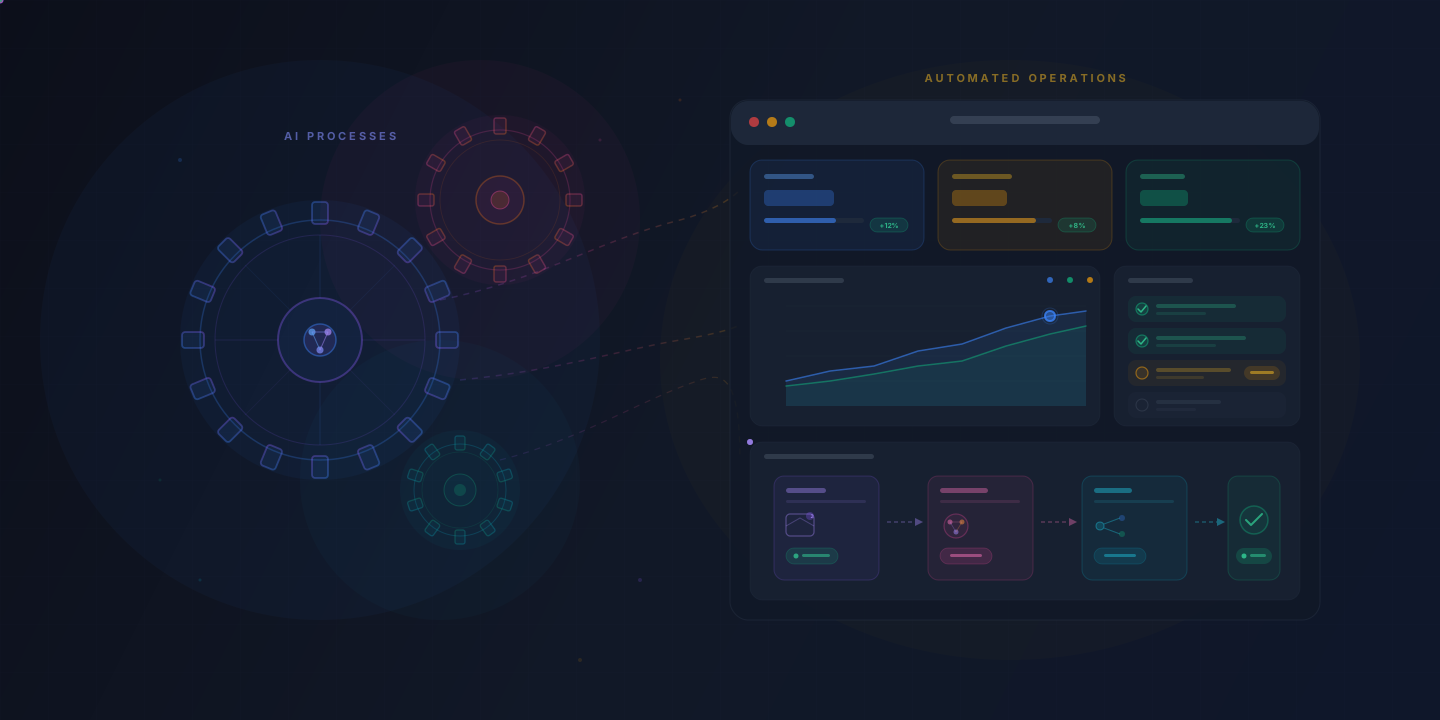
A practical guide to automating operations with AI: which processes to automate first, what the workflows look like, and how to measure the return.
Operations teams are always being asked to handle more volume without more people. Manual processes that once seemed manageable (data entry, report generation, ticket routing, vendor follow-ups) grow with every new customer, vendor, and system. AI automation can take over the routine part of that work, cut keying errors, and leave the team to the work that needs human judgment.
This guide walks through the practical side of automating operations with AI: what to automate, how to prioritize, what the workflows look like, and how to measure whether it is working.
Why Should Operations Teams Care About AI Automation?
Operations teams should care about AI automation because it addresses their two biggest constraints: time and consistency. Manual, repetitive tasks fill the week, and every re-keying step is a chance for error.
The point of AI automation is to take the drudge work off skilled team members so they can do higher-value work. Consider what a typical operations analyst spends their week doing:
Data reconciliation: cross-referencing records across systems, flagging discrepanciesStatus reporting: pulling data from multiple sources to assemble weekly summariesTicket triage: reading incoming requests and routing them to the right teamVendor communication: sending follow-up emails, tracking responses, updating recordsEach of these tasks follows a predictable pattern, which makes them strong candidates for automation. When AI handles the pattern-matching and data movement, the analyst can spend their time investigating anomalies, improving processes, and making decisions that require context and judgment.
What Operations Processes Are Best Suited for AI Automation?
The operations processes best suited for AI automation are those that are repetitive, rule-based, data-heavy, and performed frequently. If a process follows a consistent pattern and involves structured or semi-structured data, it is likely a strong candidate.
These categories tend to deliver good results:
Document processing and data extraction: Invoices, purchase orders, contracts, and compliance forms all follow recognizable formats. AI can extract key fields, validate them against existing records, and flag exceptions for human review.Ticket routing and classification: Support tickets, IT requests, and internal service requests can be automatically categorized by type, urgency, and department using natural language processing.Report generation: Pulling data from multiple systems, calculating metrics, and formatting weekly or monthly reports is a task AI handles reliably once configured.Inventory and supply chain monitoring: Tracking stock levels, predicting reorder points, and generating purchase requests based on demand patterns.Compliance and audit checks: Running automated checks against regulatory requirements, flagging non-compliant records, and generating audit-ready documentation.Employee onboarding workflows: Provisioning accounts, sending welcome sequences, scheduling training, and tracking completion across systems.Processes that require nuanced negotiation, creative problem-solving, or sensitive interpersonal communication are generally not good candidates for full automation, though AI can still assist with drafting and preparation.
How Do You Identify Which Operations to Automate First?
Start by mapping where your team's time goes and scoring each process against four criteria: volume, repetitiveness, error rate, and business impact. Automate the processes that score highest across all four first.
A practical prioritization framework:
Audit your current workflows. Have each team member log how they spend their time for one to two weeks. Look for tasks that consume disproportionate hours relative to their complexity.Score each candidate process:Volume: How often is this task performed? Daily tasks offer more automation value than quarterly ones.Repetitiveness: Does the task follow the same steps each time? Higher consistency means easier automation.Error rate: How often do mistakes occur? High-error processes benefit most from automation's consistency.Business impact: What happens when this process is delayed or done incorrectly? Higher stakes justify earlier investment.Assess technical feasibility. Check whether the systems involved have APIs or integration capabilities. A high-value process that requires manual screen-scraping will be harder to automate than one with well-documented APIs.Start with a quick win. Choose one process that is high-volume, low-complexity, and well-understood by the team, and put it into production. A first automation that works builds confidence and organizational support for broader rollout.A common mistake is trying to automate the most complex process first. Complex workflows often have undocumented edge cases and tribal knowledge that make them poor starting points. Start simple and work up to them.
What Does an AI-Automated Operations Workflow Look Like?
An AI-automated operations workflow typically follows a pattern of trigger, process, validate, and act, with human oversight at key decision points. Two examples:
Example 1: Automated Invoice Processing
Before automation:
Accounts payable receives invoices via emailA team member manually opens each invoice, reads the fields, and enters data into the ERP systemThe team member cross-references the invoice against the purchase orderDiscrepancies are investigated manuallyApproved invoices are queued for paymentAfter automation:
AI monitors the AP inbox and pulls invoices from email attachmentsAn AI model reads each invoice, extracts vendor name, invoice number, line items, amounts, and payment termsThe system automatically matches the invoice against existing purchase orders in the ERPMatching invoices are auto-approved and queued for paymentDiscrepancies are flagged and routed to a team member with a summary of the mismatchThe team member reviews only the exceptionsResult: Matched invoices go from the inbox to the payment queue without anyone keying them in. The team spends its time resolving discrepancies instead of doing data entry.
Example 2: IT Service Request Routing
Before automation:
Employees submit IT requests through a shared inbox or portalA dispatcher reads each request and assigns it to the appropriate teamMisrouted requests bounce between teams, adding days to resolutionAfter automation:
An AI model classifies each incoming request by type (hardware, software, access, network) and urgencyRequests are automatically assigned to the correct team queue with a confidence scoreHigh-confidence assignments go directly to the team; low-confidence ones are flagged for a dispatcher to confirmThe system tracks resolution times, and classification accuracy improves as it learns from correctionsResult: Requests reach a team queue on arrival instead of waiting for a dispatcher, and dispatcher corrections feed back into the classifier.
What Tools and Technologies Power Operations Automation?
Operations automation typically combines AI/ML services, integration platforms, and workflow orchestration tools. No single tool does everything, so the technology stack matters.
Key categories of tools:
AI and machine learning platforms: Large language models for text understanding, computer vision models for document processing, and predictive models for demand forecasting. Cloud providers offer managed AI services, and specialized platforms focus on specific use cases like document extraction.Integration and iPaaS platforms: These connect your existing systems. Tools like Workato, Tray.ai, and Make (formerly Integromat) allow you to build automated data flows between applications without custom code. For more technical teams, direct API integrations offer greater control.Workflow orchestration: Platforms like Temporal, Apache Airflow, or cloud-native step functions coordinate multi-step processes, handle retries, and maintain state across long-running workflows.Robotic Process Automation (RPA): Tools like UiPath and Automation Anywhere handle UI-level automation for legacy systems that lack APIs. RPA is most useful as a bridge technology while systems are modernized.Monitoring and observability: Automated workflows need monitoring. Dashboards that track processing volumes, error rates, and processing times help teams catch issues before they become problems.When selecting tools, prioritize those that integrate well with your existing systems. The best automation stack is one your team can maintain and extend without depending on a single vendor or consultant.
How Do You Measure the ROI of Operations Automation?
Measure the ROI of operations automation by tracking three categories of metrics: time savings, error reduction, and throughput improvement. Establish clear baselines before automation so you can quantify the change.
Time-based metrics:
Hours saved per week or month on the automated processAverage processing time per unit (invoice, ticket, report) before and afterTime-to-completion for end-to-end workflowsQuality metrics:
Error rate before and after automationNumber of exceptions requiring human interventionRework rate: how often output needs to be correctedBusiness impact metrics:
Cost per transaction (labor cost divided by volume processed)Throughput: total volume processed per time periodEmployee satisfaction and retention (often undervalued)A simple ROI calculation:
Calculate the fully loaded hourly cost of the team members performing the taskMultiply by the hours saved per month through automationSubtract the monthly cost of the automation tooling and maintenanceThe difference is your monthly net savingsFor example: if three team members each spend 10 hours per month on invoice processing at a fully loaded cost of $50/hour, that is $1,500/month. If automation reduces that to 2 hours each, the savings are $1,200/month. Subtract $300/month in tooling costs and the net savings are $900/month, or $10,800 a year.
Beyond direct cost savings, factor in the value of faster cycle times, improved accuracy, and the ability to scale operations without proportionally scaling headcount.
What Are the Common Pitfalls in Operations Automation?
The most common pitfall is automating a broken process. If the manual workflow is inefficient or poorly defined, automating it will only produce faster bad results. Fix the process first, then automate it.
Other pitfalls to watch for:
Insufficient exception handling. Every automated workflow will encounter edge cases. If the system has no clear path for exceptions (routing them to a person with enough context), failures cascade.Over-automation. Not every step needs to be automated. Sometimes the right design is to automate 80% of a workflow and leave the remaining 20% for human judgment. Forcing full automation on steps that require human input creates brittle systems.Ignoring change management. The people affected by automation need to understand what is changing and why. Without buy-in from the team, adoption stalls and workarounds emerge. Involve the team early, explain the benefits, and show them which tedious work it takes off their plate.Lack of monitoring. Automated processes can fail silently, and without alerting and monitoring the errors pile up unnoticed. Build monitoring in from day one.Vendor lock-in. Building your entire automation stack on a single platform creates risk. Design with portability in mind by using standard data formats and maintaining documentation of your workflows.Neglecting data quality. AI automation is only as good as the data it works with. If your source systems contain inconsistent, duplicate, or outdated data, the automation will spread those problems faster than any person could. Budget for data cleanup as part of the work.How to Build an Operations Automation Roadmap
Build your operations automation roadmap in three phases: foundation, expansion, and optimization. Each phase should deliver measurable value while preparing for the next.
Phase 1: Foundation (Months 1-3)
Audit existing workflows and identify automation candidatesSelect and implement one to two high-value, low-complexity automationsEstablish baseline metrics for all candidate processesSet up integration infrastructure and monitoringDocument learnings and refine your prioritization criteriaPhase 2: Expansion (Months 4-8)
Roll out automation to three to five additional processes based on Phase 1 learningsIntroduce more advanced AI capabilities (natural language processing, predictive analytics)Build cross-functional workflows that span multiple departmentsBuild internal expertise and decide who keeps the automations running after launchMeasure and report ROI to stakeholdersPhase 3: Optimization (Months 9-12 and Ongoing)
Refine existing automations based on performance dataImplement continuous improvement loops where AI models retrain on new dataExplore advanced use cases like predictive operations and anomaly detectionStandardize automation patterns into reusable templates for new processesBuild a center of excellence or automation guild to share what works across the organizationReview the roadmap quarterly and adjust it based on what you learn, what the business needs, and how the tools change.
Getting Started
The best way to start with operations automation is to pick one process, measure its current state, automate it, and measure the result. One successful automation builds confidence across the organization and gives you the data to justify the next investment.
Put your effort into understanding the process. The tools will change, but knowing what you are trying to achieve and how you will measure success carries over to whichever platform you choose.